Hi all,
Doing ledger review in tally but got used to ledger review using SAP reports?
No probs, please find the below code to make your life a bit more simpler
Download Files from zip file below and extract them in a folder
Steps
- Extract the Daybook.zip and install the tally TDL into the tally prime
- Ensure that your ODBC is enabled and tally prime is acting as both client and server
- If unsure, go to Exchange-> Configure-> Client\Server Config-> Both and restart the tally
- The tally should have “:9000” at its end just like how it is shown in below image
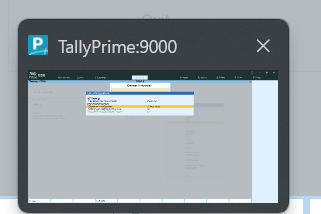
3. Now, use the “tally ledger Review” macro file after opening the tally and click the refresh trail balance and refresh JV dump file

4. Go to the “JVDump-Review” tab and you can filter as much you want and in case you want to see a particular journal entry in full, just do Ctrl+L or click the button