Pre requirements:
- Microsoft Visual C++ – https://download.visualstudio.microsoft.com/download/pr/285b28c7-3cf9-47fb-9be8-01cf5323a8df/8F9FB1B3CFE6E5092CF1225ECD6659DAB7CE50B8BF935CB79BFEDE1F3C895240/VC_redist.x64.exe
- Microsoft DOT NET FRAMEWORK 4.8 –https://download.visualstudio.microsoft.com/download/pr/2d6bb6b2-226a-4baa-bdec-798822606ff1/9b7b8746971ed51a1770ae4293618187/ndp48-web.exe
- Windows 10/ Windows 11 PC
- 8 GB RAM for smooth experience
METHOD 1: MICROSOFT STORE METHOD (YOU ACTUALLY DONT NEED TO SEE THE FOLLOWING IMAGES. YOU KNOW HOW TO DO IT ALREADY)
Step 1: Open Microsoft Store

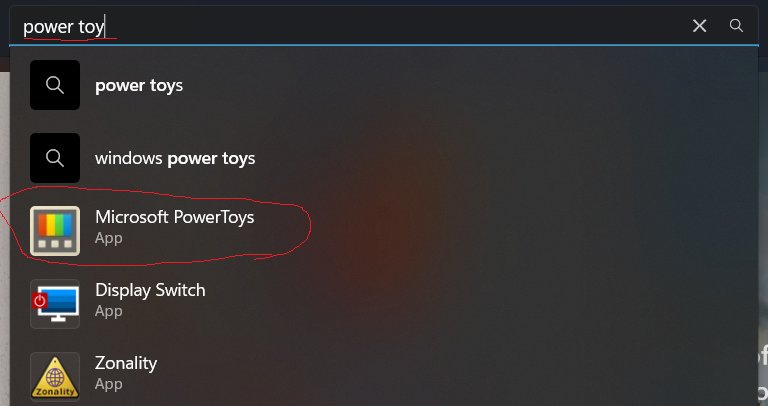
Step 2: Search for Power Toy
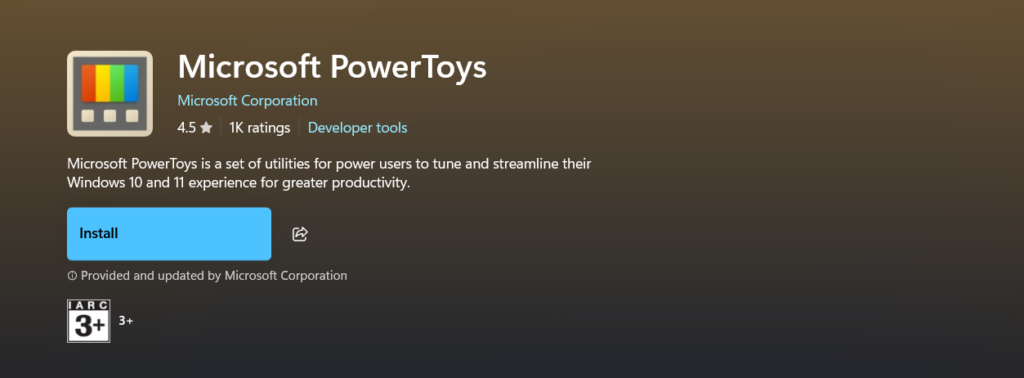
Step 3: click on the install button
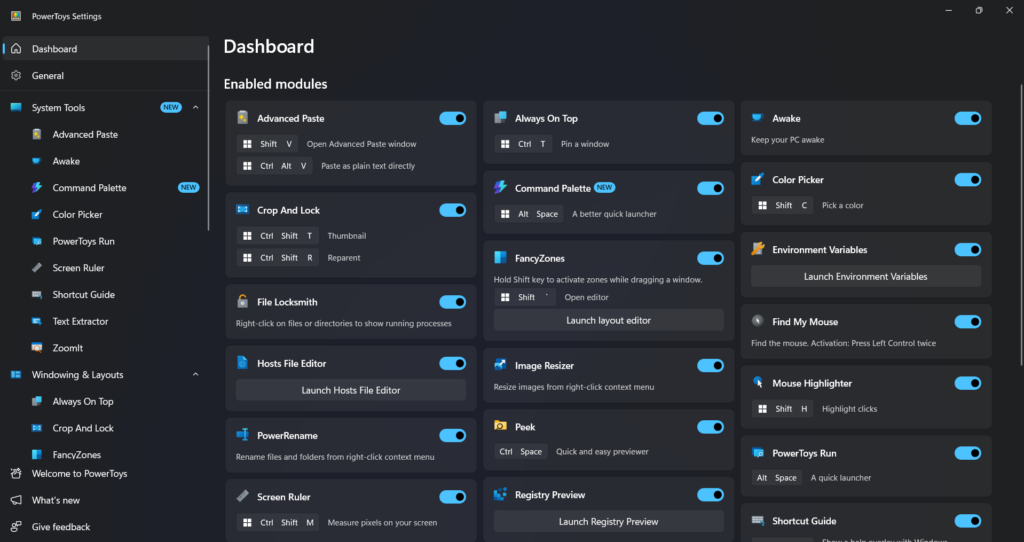
Step:4: Open the Power Toy and enjoy these features- Disable the ones which you dont want
METHOD 2: RUNNING THE MSI FILE FROM MICROSOFT (EXECUTING THE INSTALLATION FILE)
Step 1: Go to Release Release v0.90.0 · microsoft/PowerToys · GitHub
Step 2: Select the applicable installer
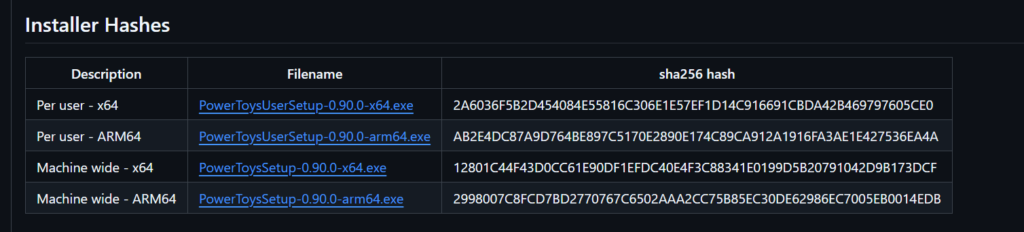
Note: Usually its x64 and installed per user(since it will not require much priviledges). However if it is personal PC, x64 and machine wide)
Done.